
Mobile applications
The service is not limited to TV, but also works as a mobile experience with quick access and easy navigation.
Experience shows how the service works in the user’s hands: mobile apps, account management, search, help flows and the interfaces that support everyday use.
This is the layer subscribers actually interact with: apps, settings, access control and the flows tied to account usage.
Experience focuses on the usage layer of the service: applications, access, search, help and account management.
The service is not limited to TV, but also works as a mobile experience with quick access and easy navigation.
Subscription state, access rights and settings are managed clearly so users always understand their own service.
Search, help, favourites and account flows all belong to the daily layer users work with most often.
The TV app experience, player, EPG and on-screen subscription handling belong here as part of the full usage layer.
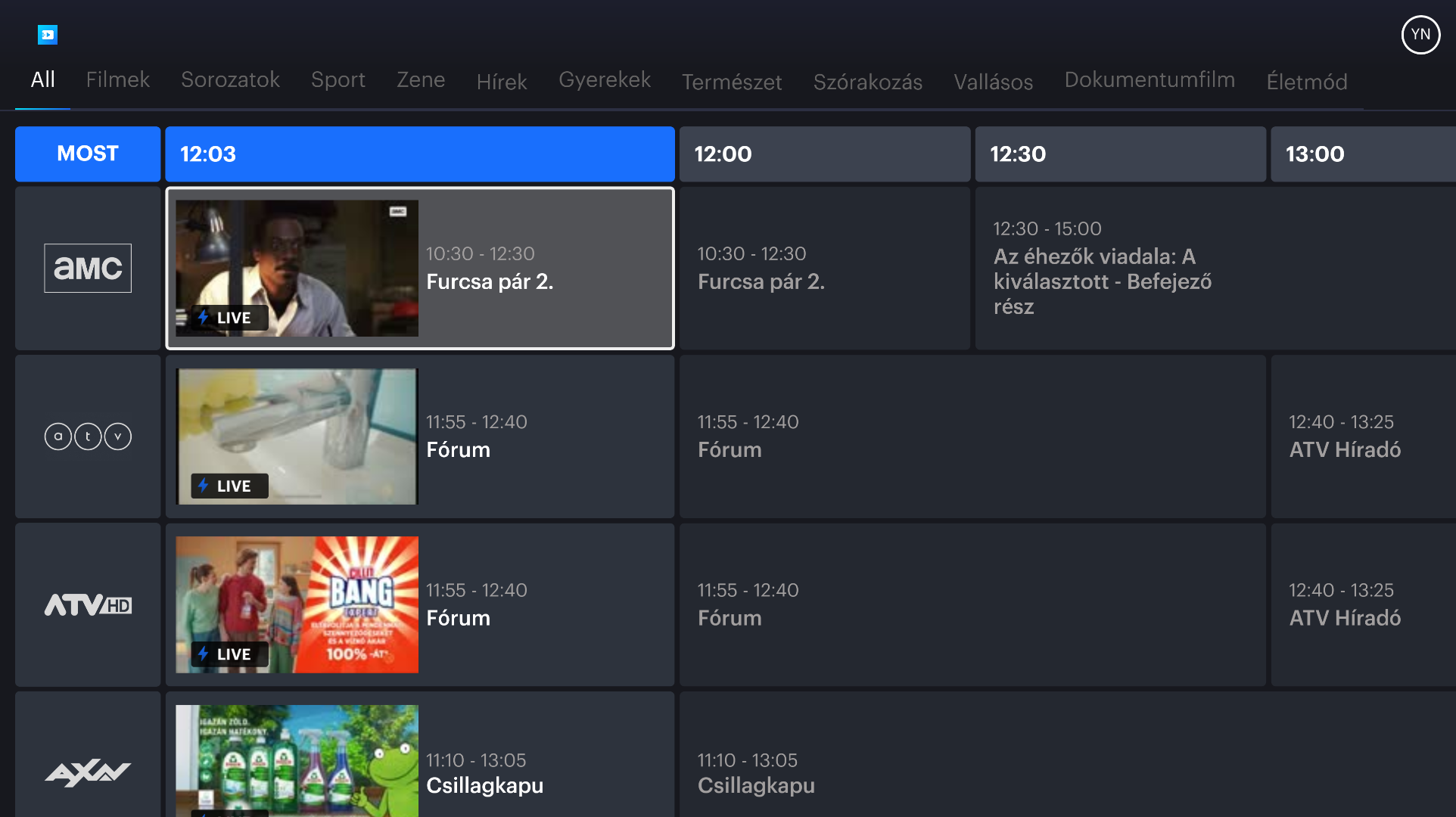
Full electronic programme guide with real-time thumbnails, channel logos and scrollable time slots across all categories.
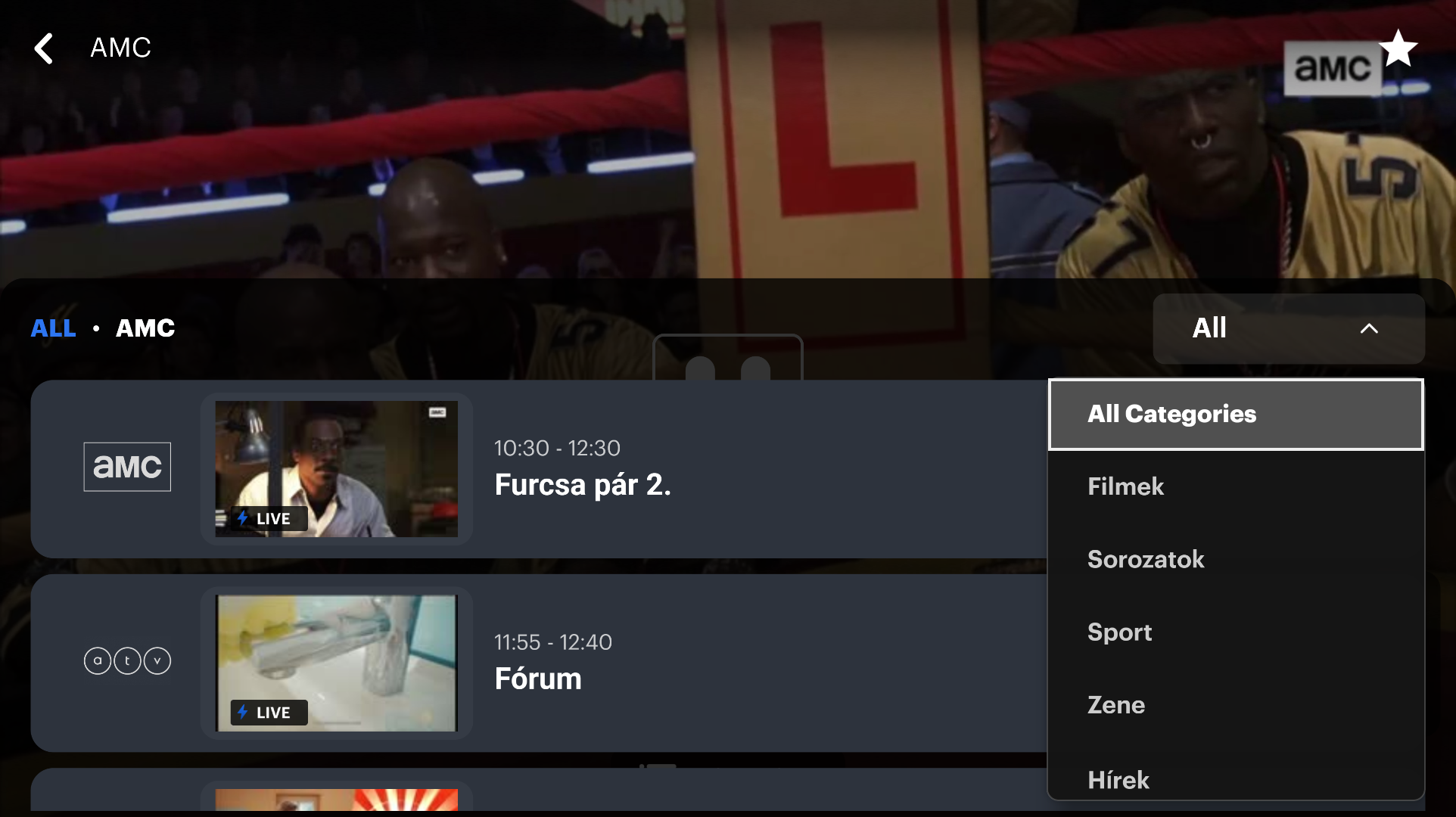
Browse all channels without leaving the player. Category filter dropdown overlays for instant navigation while the stream keeps playing.
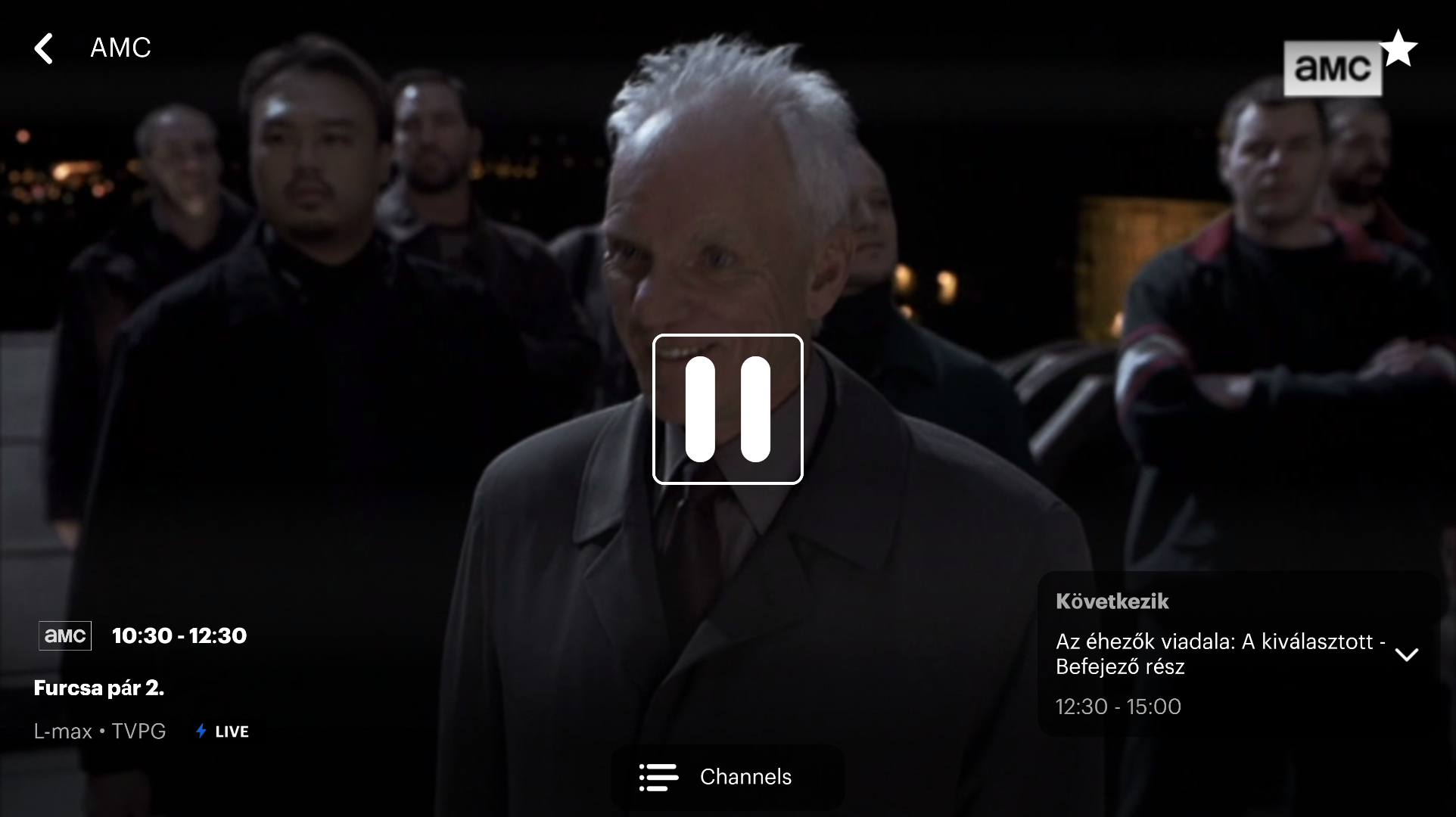
Distraction-free live playback showing programme info, content rating, "up next" panel and DRM-secured adaptive stream.
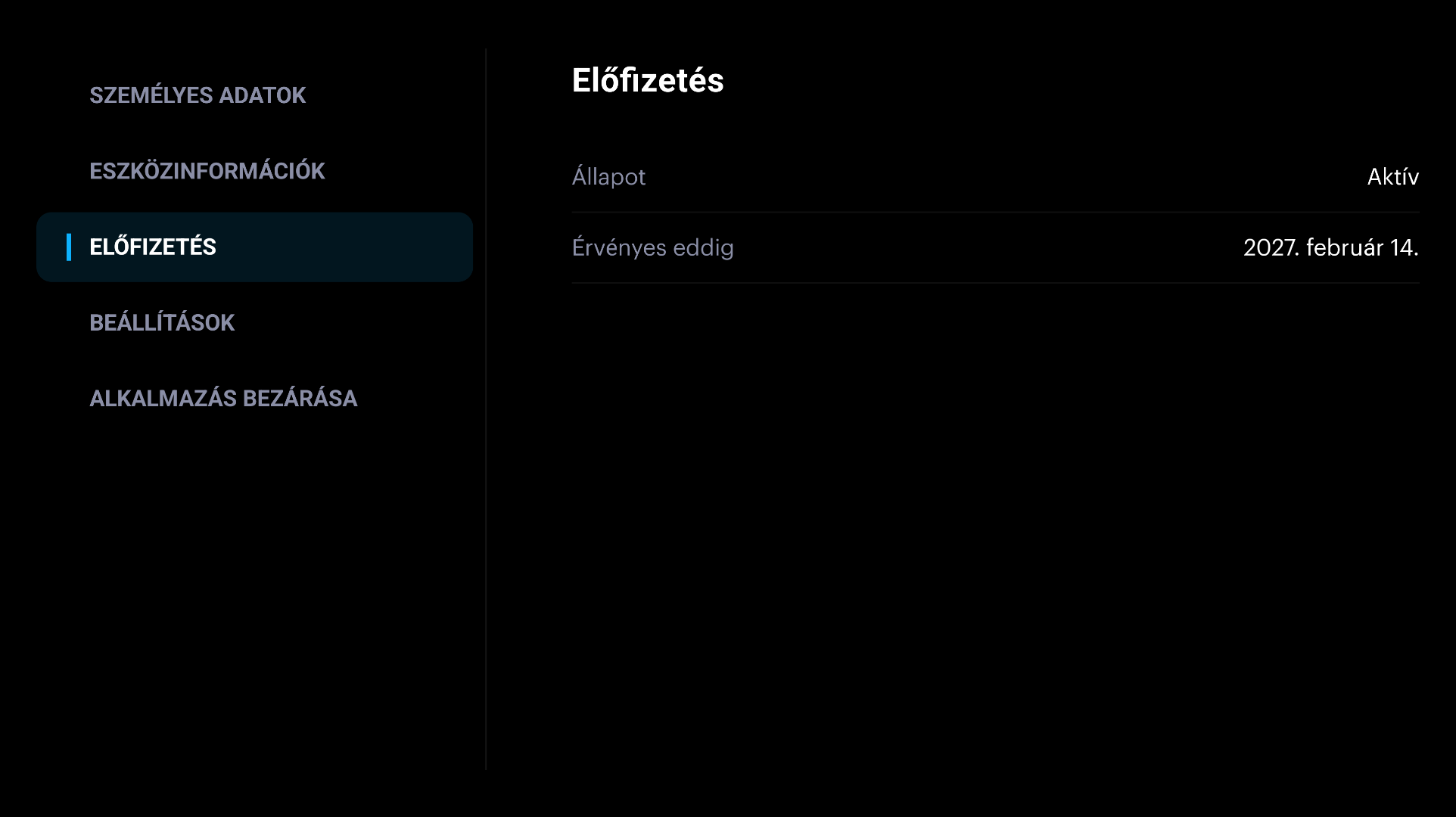
Secure on-screen account management: subscription status, validity period, device info and app settings — no phone needed.
The same live TV experience in your pocket — optimised for touch with Chromecast support and a built-in help centre.
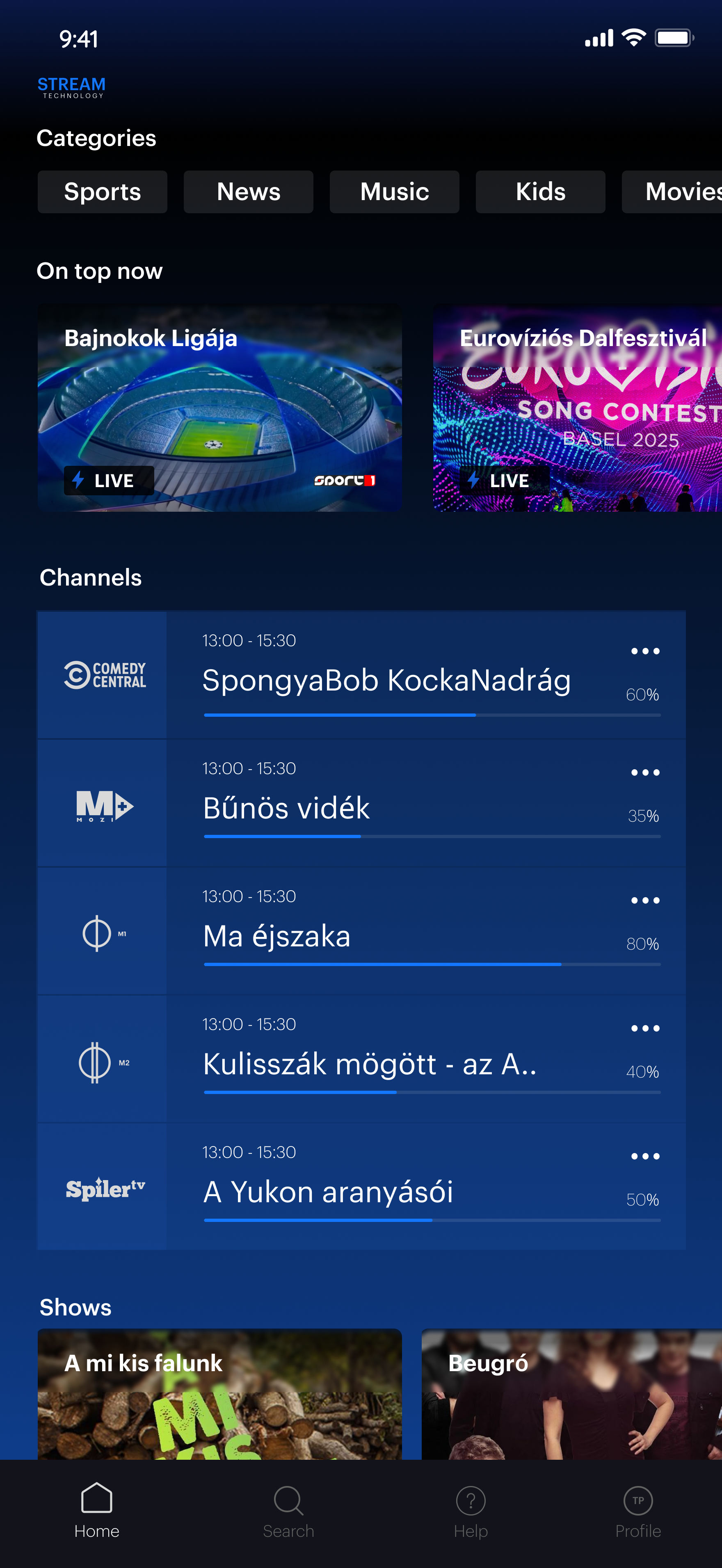
Featured live events, category tabs, channel guide and shows — all in one scrollable view.
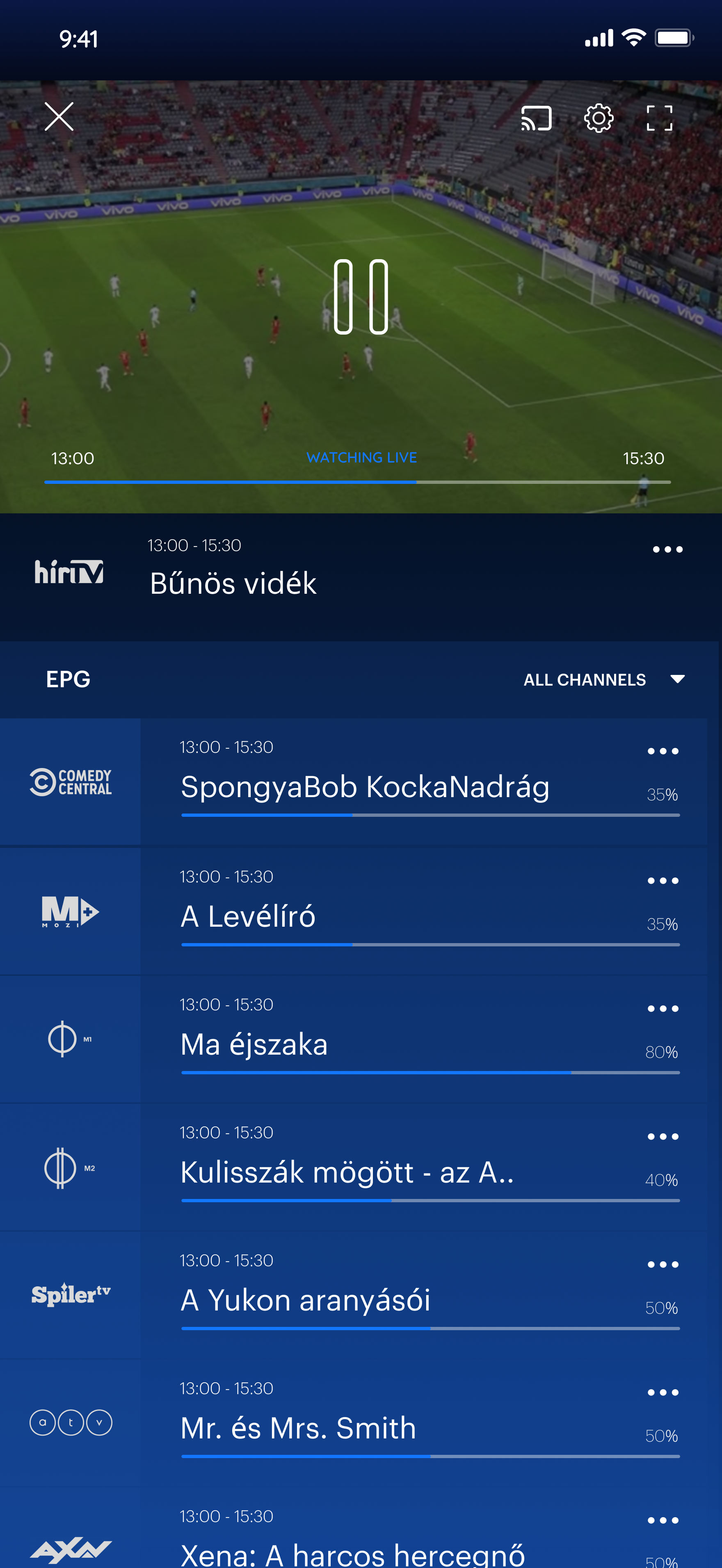
Live stream with inline channel EPG, Chromecast, settings and quality switching.
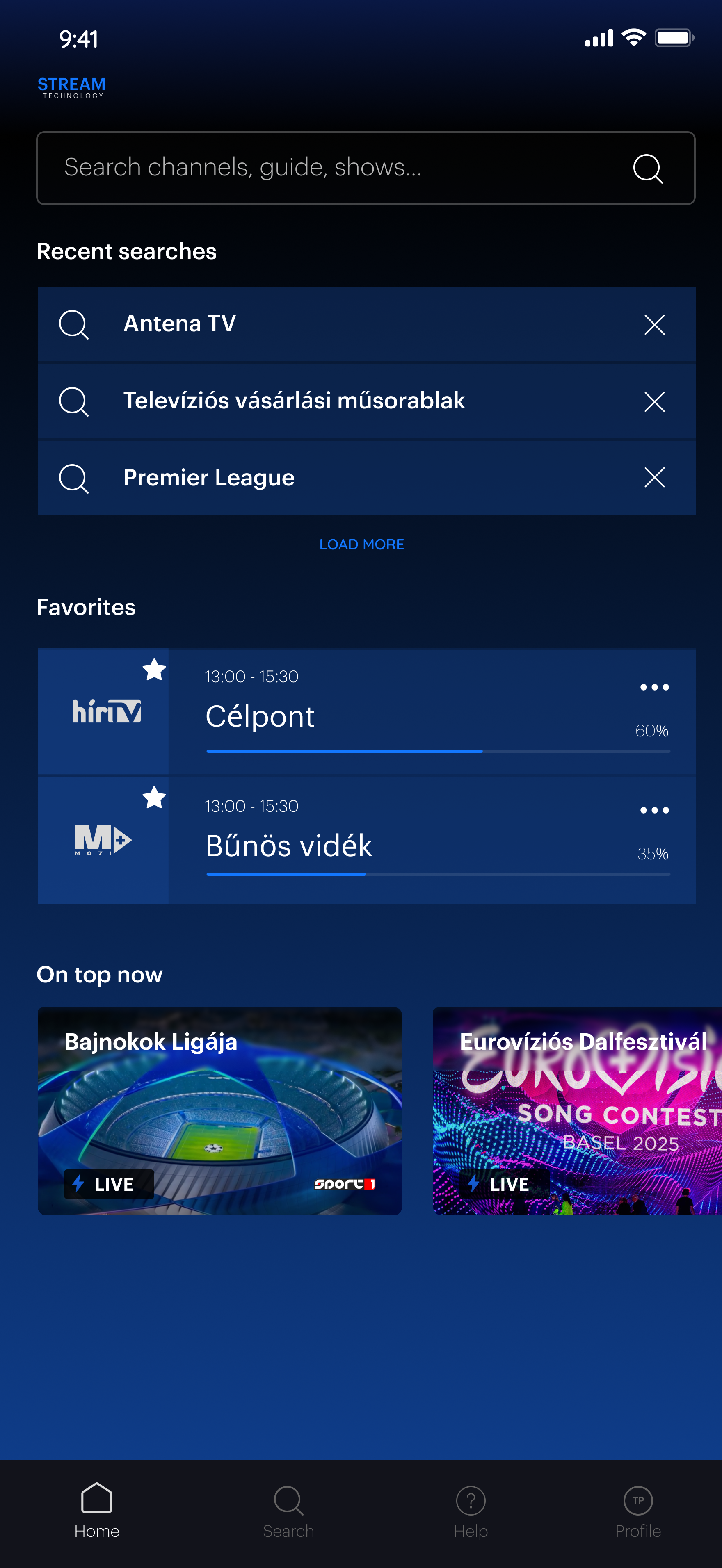
Find channels, shows and guide entries instantly. Pin favourites for one-tap access.
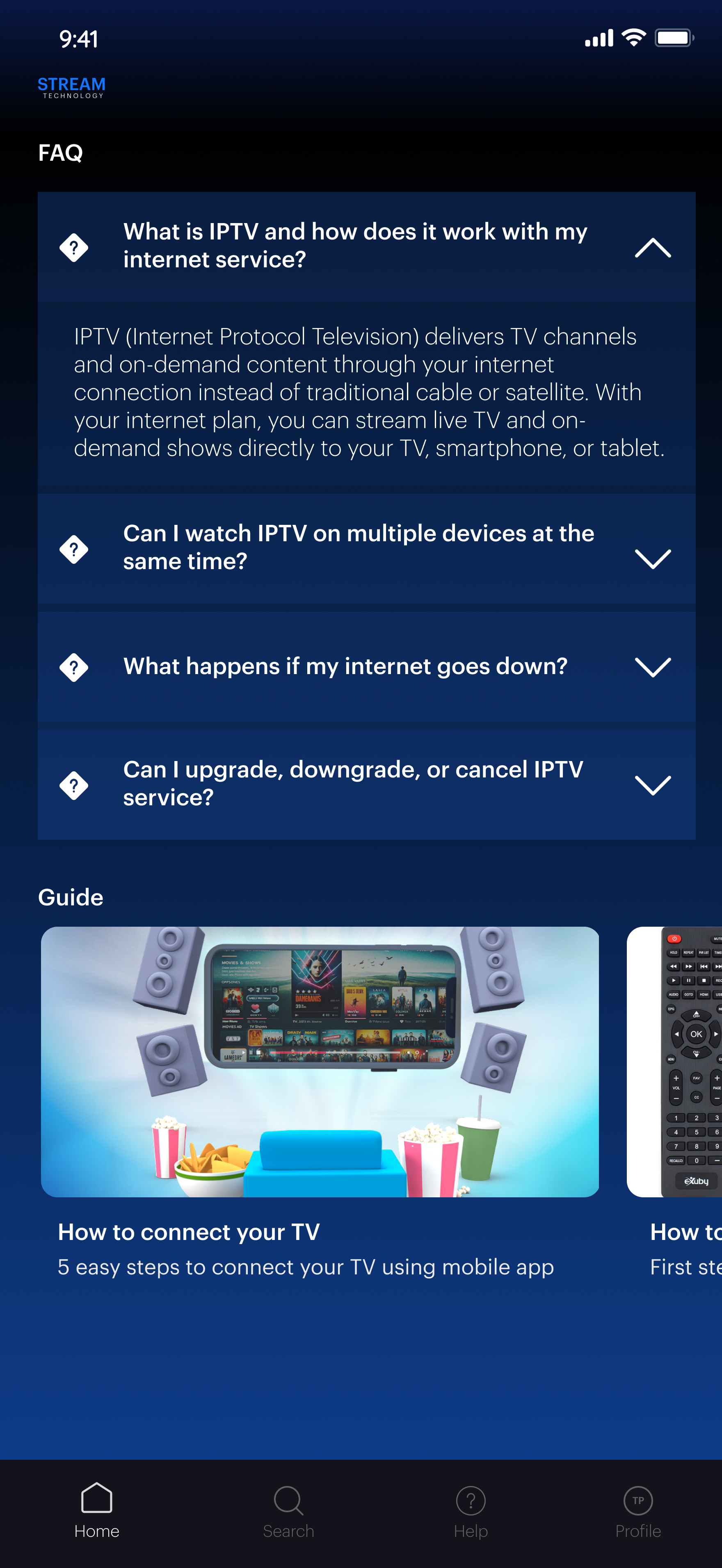
Built-in onboarding guides and FAQ. Users get answers without calling support.
Secure on-screen account management: subscription status, validity period, device info and app settings — no phone needed.
Secure on-screen account management: subscription status, validity period, device info and app settings — no phone needed.